Create the model
Choose her appearance and identity, then generate the first portrait and wall.
Create the model once, then generate new photorealistic shots while keeping her saved identity and history in one private studio.
Fictional characters for creative and entertainment use. Generative outputs can vary.
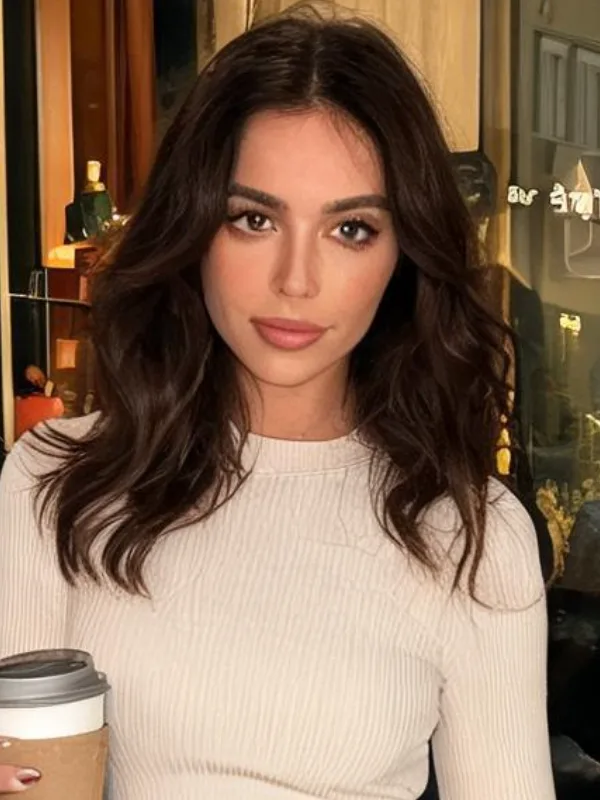
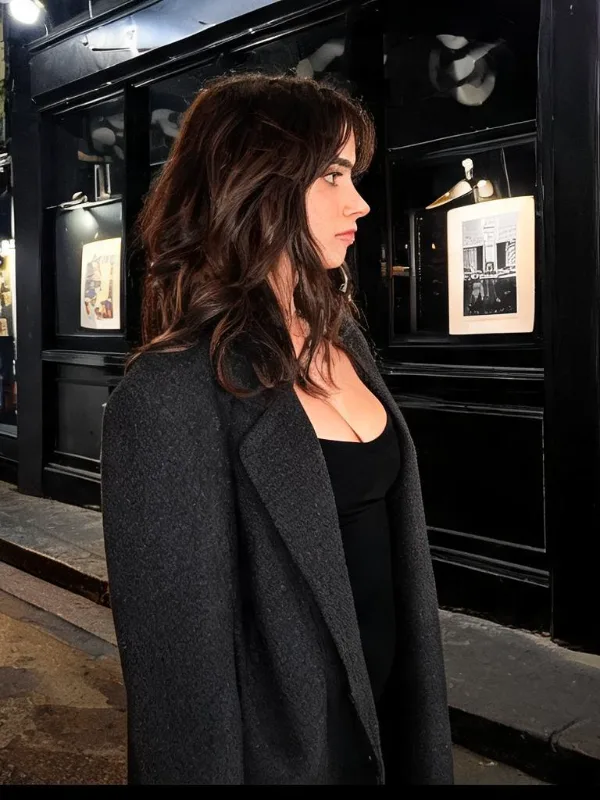
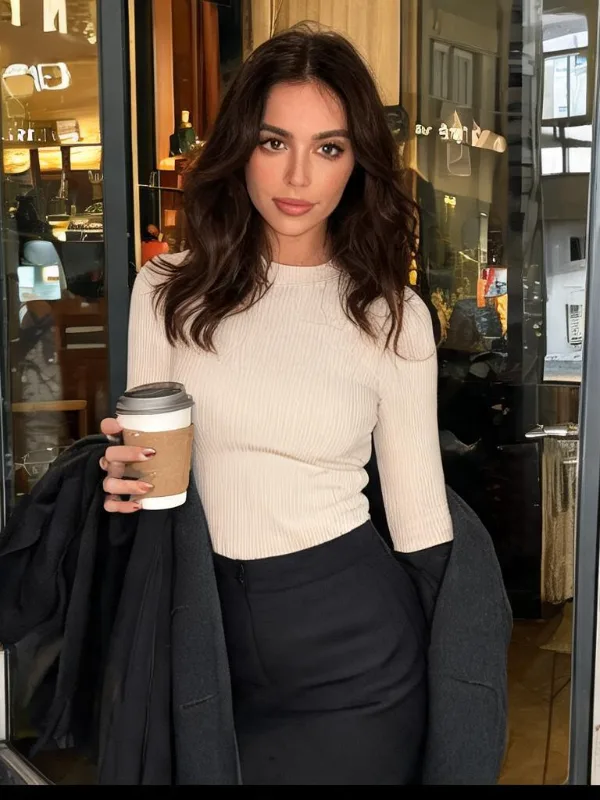
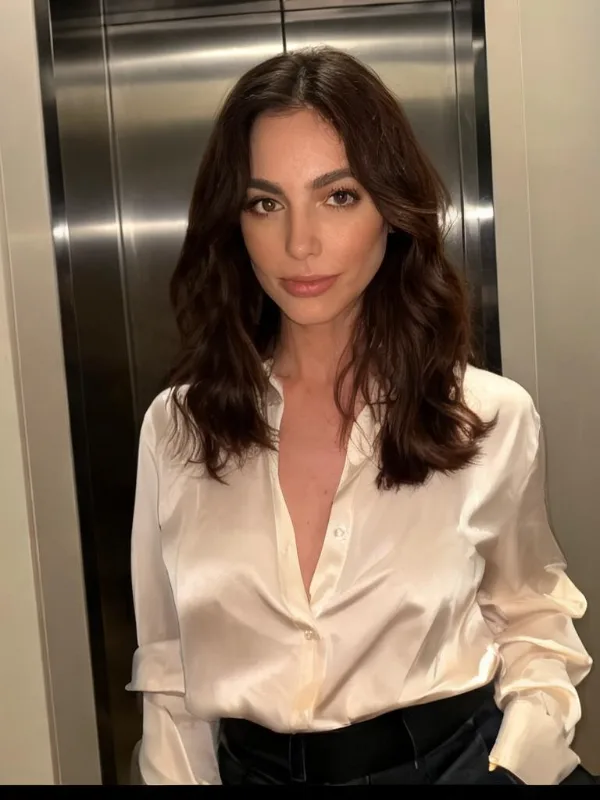
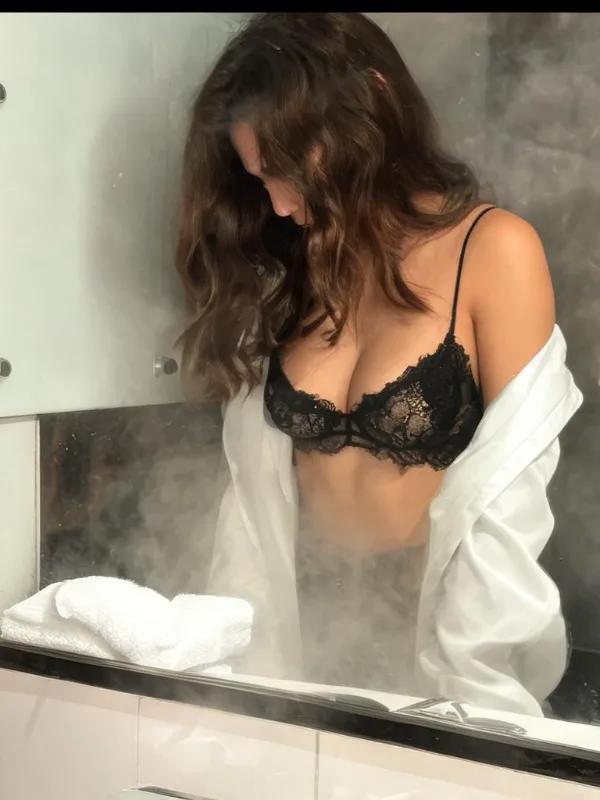
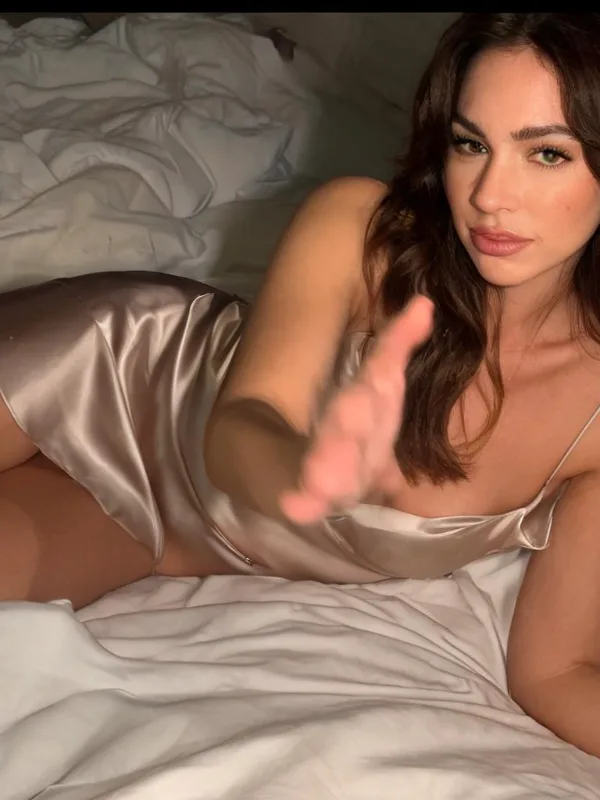
Start from a saved character, choose a source asset, then create one to four new images with a scene prompt and output aspect ratio.
Her portrait, wall and later shots stay attached to the same saved character.
Describe a scene or reuse a prior shot as the approved base for the next generation.
Choose an available aspect ratio and generate multiple candidates when you need options.
Choose her appearance and identity, then generate the first portrait and wall.
Select a saved reference and describe the setting, wardrobe, pose or atmosphere you want.
Review the generated images, continue from a successful result, or change direction without rebuilding the character.
Clear expectations matter more than a perfect demo. Here is what the current product does today.
This page is for fictional AI characters and creative model photography. It is not positioned as identity verification or a professional headshot service for real people.
The current shot route accepts one to four images per request, subject to plan, balance and generation availability.
No. Saved references support continuity, but generative outputs can vary in face, body, styling and scene details. Review the result before use.