Choose her structure
Start with explicit face, body and identity choices instead of a long, fragile prompt.
Choose her look once, save the character, and keep generating new photos and videos from the same identity instead of rebuilding a stranger with every prompt.
Fictional characters for creative and entertainment use. Generative outputs can vary.
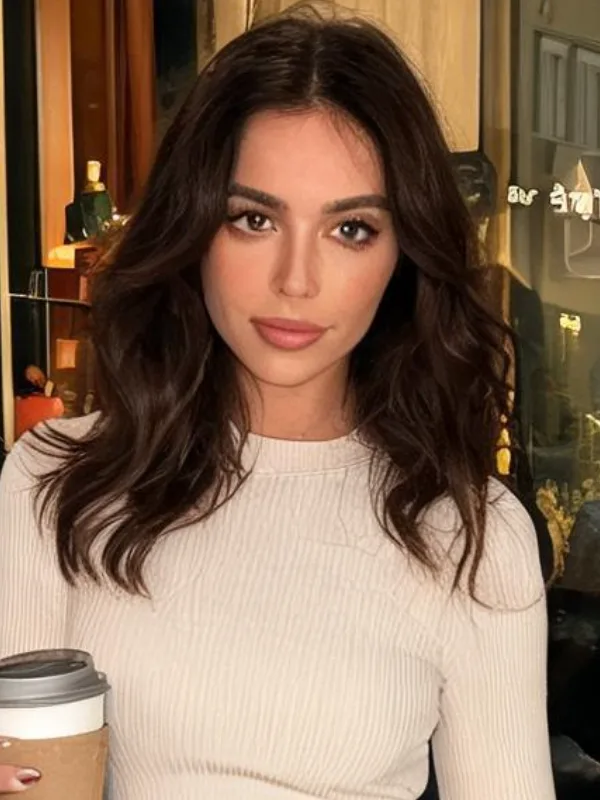
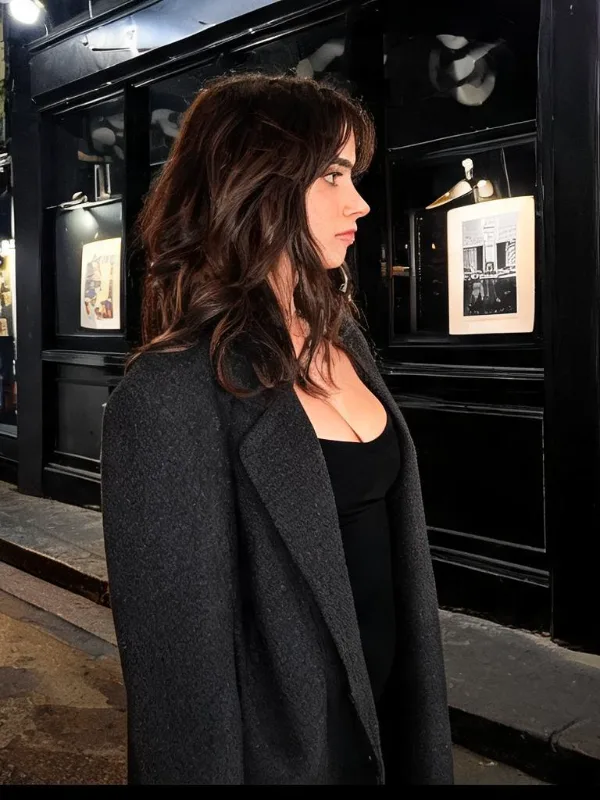


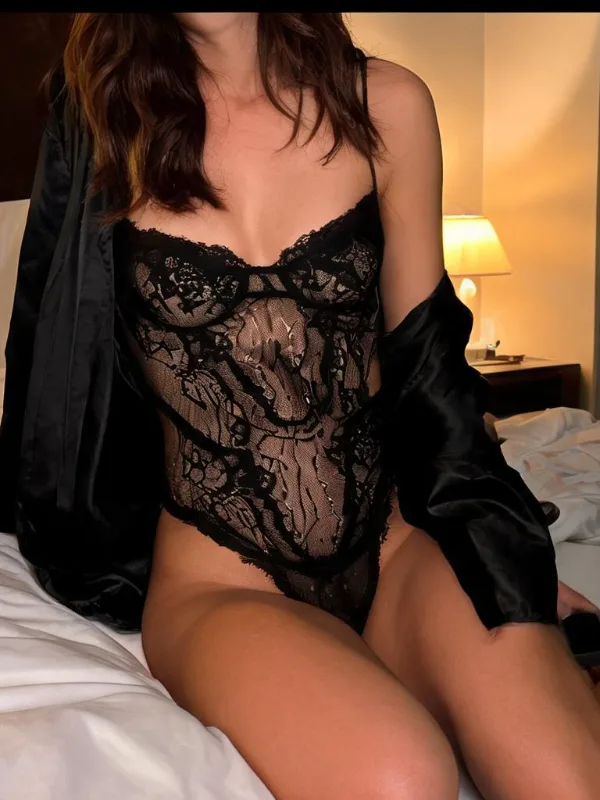

SpicyDream starts with a saved character record and reusable generated assets. New shots use that character's existing portrait or wall as an approved reference.
Select face, body, skin tone, persona and relationship inputs in the create flow.
The generated portrait and contact sheet become part of that character's private history.
Create new photos or motion using assets that belong to the same saved character.
Start with explicit face, body and identity choices instead of a long, fragile prompt.
SpicyDream creates a portrait and a six-shot wall that establish the character's first visual history.
Use the saved character and her approved assets for new scenes, aspect ratios and video motions.
Clear expectations matter more than a perfect demo. Here is what the current product does today.
SpicyDream reuses saved character references to support continuity, but generative outputs can still vary. Review every result before publishing it.
The current Her workflow treats saved characters and generated assets as private account content unless a separate public feature is explicitly introduced.
The current production flow uses assets that belong to the saved character. It does not expose a public arbitrary-image upload workflow on this page.